Tomato Timer successfully installed!
1. Click the puzzle piece in the top-right of your browser, then hit the small pin icon next to Tomato Timer so it stays visible:

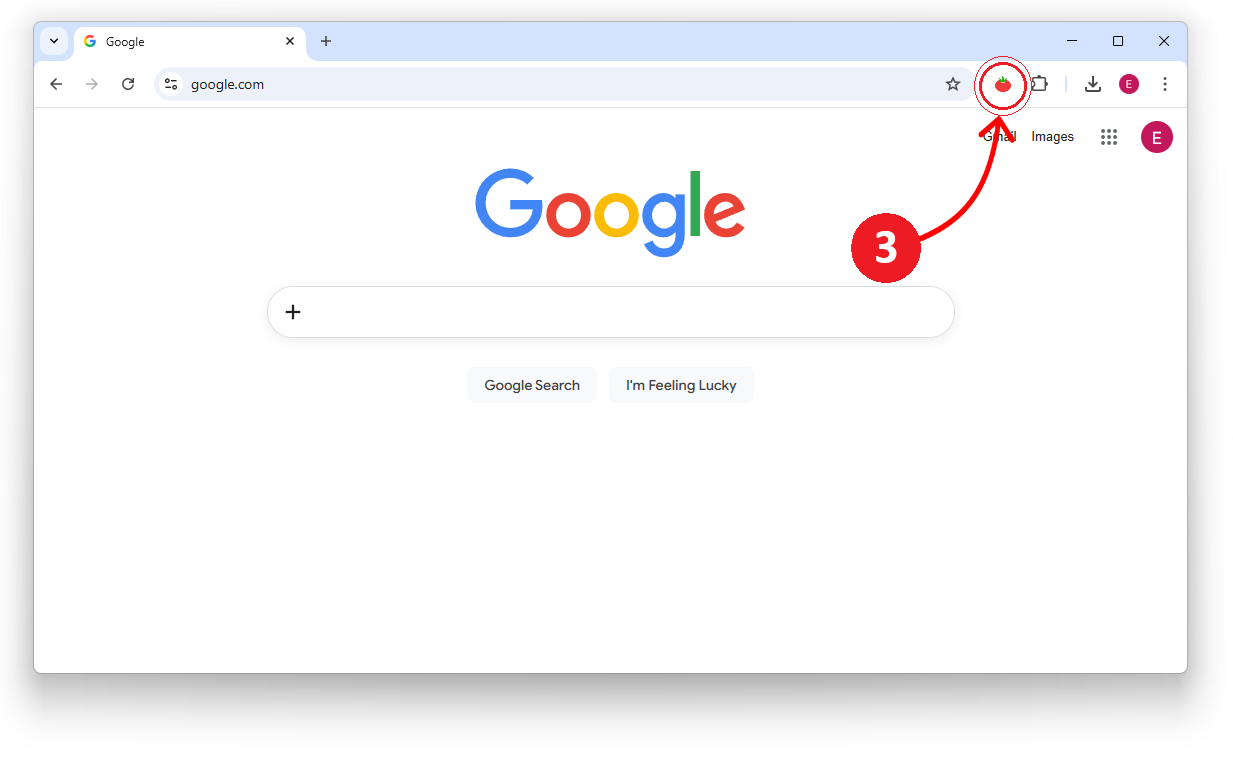
2. Click the Tomato Timer icon on any page to open the timer and begin your first pomodoro block: